PlanGrid: A Complete Guide for Artificial Intelligence Professionals 🚀
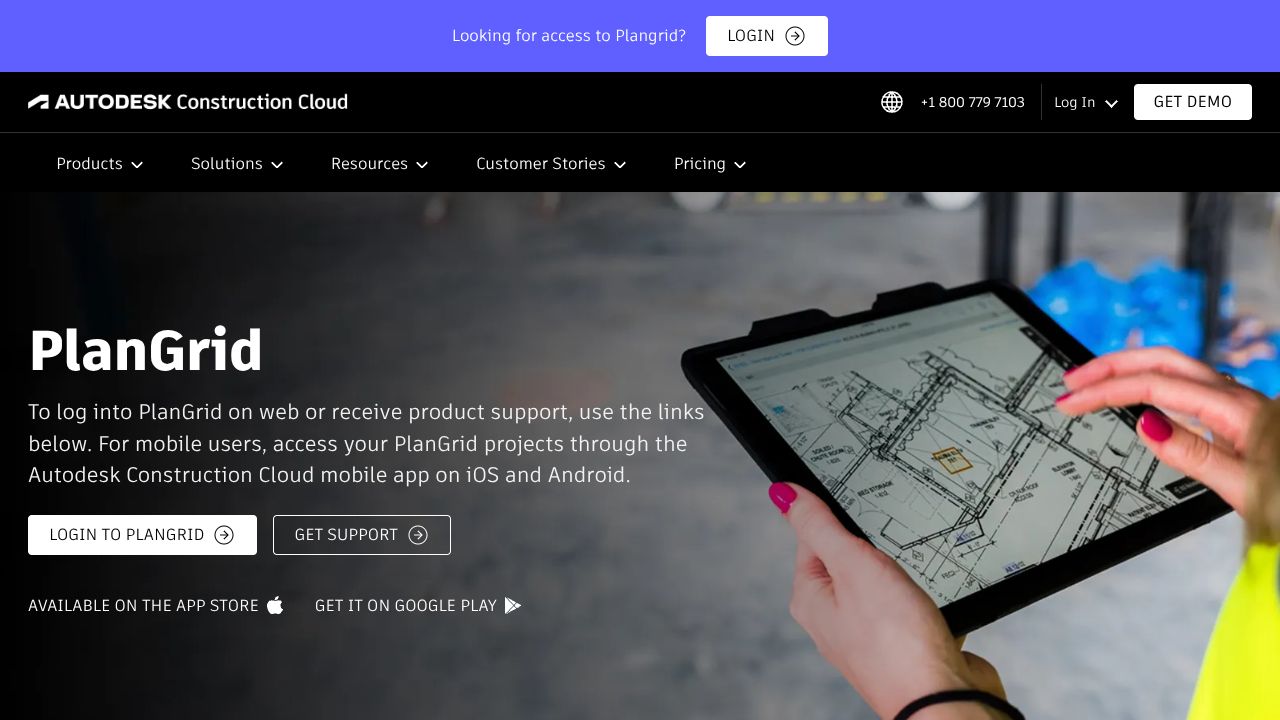
📈 Blueprints in a Dead Zone: How PlanGrid Keeps the Field in Sync
Picture this: you’re in a concrete basement with zero bars. The electrician swears by Sheet A102 rev 18; the foreman says rev 23. In my 15 years, I’ve watched that exact moment fracture schedules and budgets. PlanGrid’s promise is simple and surgical: get the right plans and documents into every hand, in real time, no matter the signal. Under the hood, it’s a mobile-first, offline-first system for distributing, annotating, and versioning construction documents. The core stack leans on a tile-based PDF/Vector rendering pipeline, device-local storage with delta sync, and server-side OCR to auto-number sheets and hyperlink callouts. The design philosophy is field-first: reduce taps, tolerate intermittent connectivity, and preserve provenance so disputes die early.
📈 Architecture & Design Principles
PlanGrid’s architecture is anchored by a resilient sync engine. Clients (iOS/Android/Windows) maintain a local cache of sheets, issues, RFIs, and markups. Instead of naively syncing whole documents, PlanGrid uses chunked assets (sheet tiles, attachments) and deltas for metadata and annotations—keeping bandwidth lean on job sites. Conflict handling for markups and issues follows last-writer-wins at the object/annotation level with audit trails for reconciliation rather than heavy CRDT overhead—appropriate given low concurrency on a single element but high concurrency project-wide.
A server-side pipeline ingests PDFs, performs OCR on title blocks and detail callouts, and builds a document graph that auto-hyperlinks references (e.g., “See 5/A302”). A CDN fronts sheet tiles; metadata rides over REST APIs secured with OAuth 2.0. Role-based access control gates who can view, stamp, or close issues, while a project-level indexing service enables instant search by sheet number, spec section, or tag—designed for sub-second query times at thousands of sheets.
📈 Feature Breakdown
🚀 Core Capabilities
-
Feature 1: Sheet management with auto-versioning and hyperlinking Technical explanation: Uploaded PDFs are split into tiles and OCR’d; a regex/heuristics engine extracts sheet numbers/names and supersedes older revisions. Cross-references are parsed, and a directed graph maps detail callouts to targets. The viewer resolves links locally when tiles are cached, making basement browsing instant. Use case: A superintendent opens A102 and taps “3/A501” to jump to the exact detail, even offline. Before/After: Before—scrolling a 500-page set hunting the right detail; After—one tap via auto-generated hyperlinks.
-
Feature 2: Markups, issues, and punch lists with provenance Technical explanation: Markups are vector overlays stored as attributed objects (polyline, text, stamp) tied to user IDs and timestamps. Issues are first-class entities with status, assignee, location pin, photos, and due dates; they reference the sheet and coordinates, enabling geo-anchored workflows. Exports materialize overlays into flattened PDFs for handover. Use case: QA lead drops a “Needs Firestopping” issue with a photo and due date; the drywall sub sees it on their device, adds a resolution photo, and closes it. The audit trail survives closeout.
-
Feature 3: Offline-first field reporting Technical explanation: Daily reports, RFIs, and checklists are schema-backed forms cached locally. Background queues retry submissions over exponential backoff; partial failures are batched to prevent data loss. Attachments are compressed and uploaded chunk-wise with resumable transfers. Use case: Foreman completes the daily log underground; it syncs when the lift reaches LTE. Before/After: Before—paper dailies re-keyed by PMs; After—structured data streaming into the dashboard with attachments intact.
🚀 Integration Ecosystem
PlanGrid exposes RESTful endpoints (via Autodesk’s developer platform) for sheets, issues, and attachments, authenticated with OAuth 2.0 and scoped tokens. Webhooks can notify downstream systems on events like “issue.created” or “sheet.versioned.” Native connectors into the Autodesk Construction Cloud unify PlanGrid data with Docs/Build workflows. For storage ingress/egress, teams commonly connect Box, Dropbox, OneDrive, or Google Drive; exports land as CSV/PDF bundles for BI ingestion. SDKs in Node.js, .NET, and Python accelerate integration with scheduling, ERP, or safety systems.
🚀 Security & Compliance
Data in transit uses TLS 1.2+; at rest encryption is AES-256. SSO via SAML 2.0 and SCIM provisioning support enterprise identity hygiene. Audit logs capture access and changes across projects for forensic readiness. Autodesk-backed certifications (e.g., SOC 2 Type II, ISO 27001) and GDPR-aligned processing make it acceptable to risk committees that usually balk at jobsite apps.
📈 Performance Considerations
On-device tile caches and progressive rendering keep plan navigation sub-200ms for typical pinches and pans. The delta sync model minimizes radio time; uploads of photo-heavy issues use resumable, chunked transfers to survive flaky LTE. Battery considerations show up in throttled background indexing and pausing heavy OCR-dependent operations to server-side. At scale, CDN edge distribution prevents bottlenecks when 200 devices pull a newly issued set at 7 a.m.
📈 How It Compares Technically
While Fonn excels at streamlined communication and documentation for SMB contractors—with faster onboarding and typically lower total cost—PlanGrid is better suited for document-heavy projects needing advanced sheet intelligence (OCR-based numbering, auto-hyperlinking) and robust offline rendering. Fonn tends to win on simplicity and transparent pricing; PlanGrid, nested in the Autodesk ecosystem, offers deeper enterprise integrations, SSO/SCIM, and richer markup provenance. If your priority is quick rollout and lightweight messaging, Fonn is compelling; if you’re wrangling thousands of sheets and strict compliance, PlanGrid’s architecture pulls ahead.
📈 Developer Experience
Docs live in Autodesk’s developer portal, with clear resource schemas and Postman collections. OAuth flows are standard; rate limits are predictable. Webhooks are reliable but require careful idempotency handling. Forge/ACC SDKs in Node.js, .NET, and Python reduce boilerplate for auth and pagination. Community support through Autodesk forums is active; sample apps and reference integrations shorten time-to-first-event. The main friction: aligning PlanGrid data models with broader ACC objects requires schema mapping upfront.
📈 Technical Verdict
Strengths: Offline-first sync that actually holds up in dead zones; sheet intelligence that saves hours daily; enterprise-grade identity, audit, and compliance. Limitations: Heavier footprint and learning curve than lightweight tools; pricing and procurement sit in Autodesk land; custom workflows may require mapping to ACC paradigms. Ideal use cases: mid-to-large GCs and owners with multi-trade coordination, massive plan sets, and stringent documentation needs. If “When your prompts finally hit different” for you means fewer RFIs born from version chaos and faster field decisions, PlanGrid’s architecture was built for that exact moment in the basement with zero bars.
📈 END OF PROMPT 📈
this prompt has been printed successfully
WANT MORE? GO TO THE SOURCE:
VISIT WEBSITE 🚀